How Schools Can Evaluate Technology Based on Student Needs
Assistive technology (AT) is most effective when evaluated against a specific, documented student barrier rather than an impressive feature list.
Instead of asking "What gadgets should our department buy?", school AT teams should ask: "What specific barrier is preventing this student from accessing grade-level curriculum?"
The SETT Framework Principle: Effective AT evaluation considers Student, Environment, Tasks, and Tools in sequence. Technology selection is always the final step, never the first.
Comparing Reading Support Technologies
Schools utilize several distinct technology categories to support reading accessibility:
| Student Barrier | Primary Material Format | Optimal AT Technology | Role of Scanning Pens (Scanmarker) |
|---|---|---|---|
| Printed Text Decoding Deficit | Physical Worksheets & Textbooks | Scanning Reading Pen | Primary tool: Captures physical print for instant text-to-speech |
| Digital Document Access | PDFs, Websites, Google Docs | Screen Reader / Browser Extension | Secondary tool: Software TTS handles digital-native files |
| Complex Narrative Comprehension | Full Novels & Audiobooks | Human Narration (Learning Ally) | Complementary tool: For continuous chapter listening |
| Technical Vocabulary & ELL | Bi-lingual Print Materials | Multilingual Scanning Pen | Primary tool: Instant word translation and definition lookup |
Printed vs. Digital Text Access
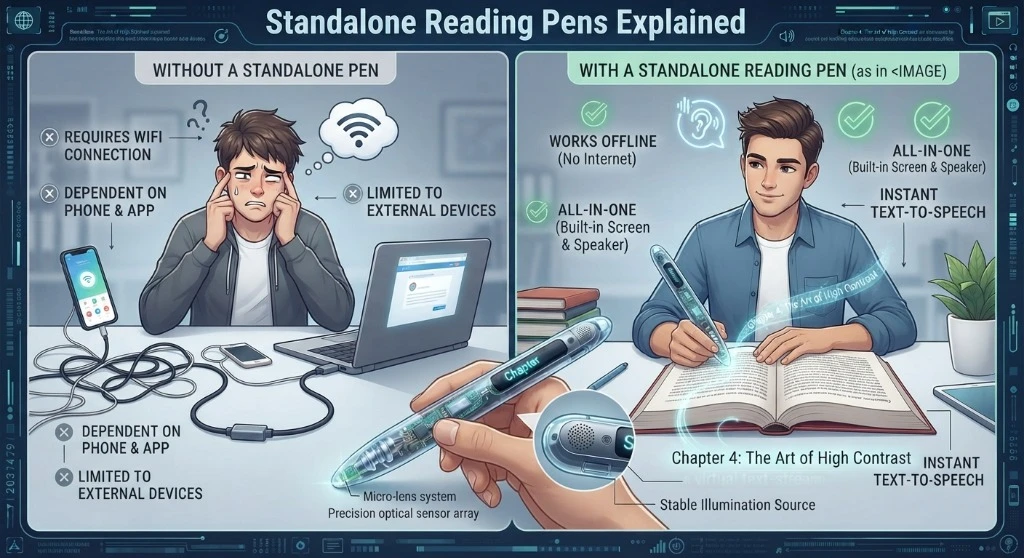
A key diagnostic decision is determining where the student encounters reading barriers. If a student struggles primarily when reading physical worksheets, printed exams, or library books, software-based browser extensions cannot help.
Scanning technology fills this critical physical-to-digital gap, bringing text-to-speech independence to physical paper materials.