Helping students access printed text independently.
Assistive technology for students who need another way into printed text — decoding, fluency, and vocabulary — used alongside instruction, not instead of it.

Classroom accommodation pillars
Used alongside instruction and teacher support — providing accessible printed text for all learning needs.
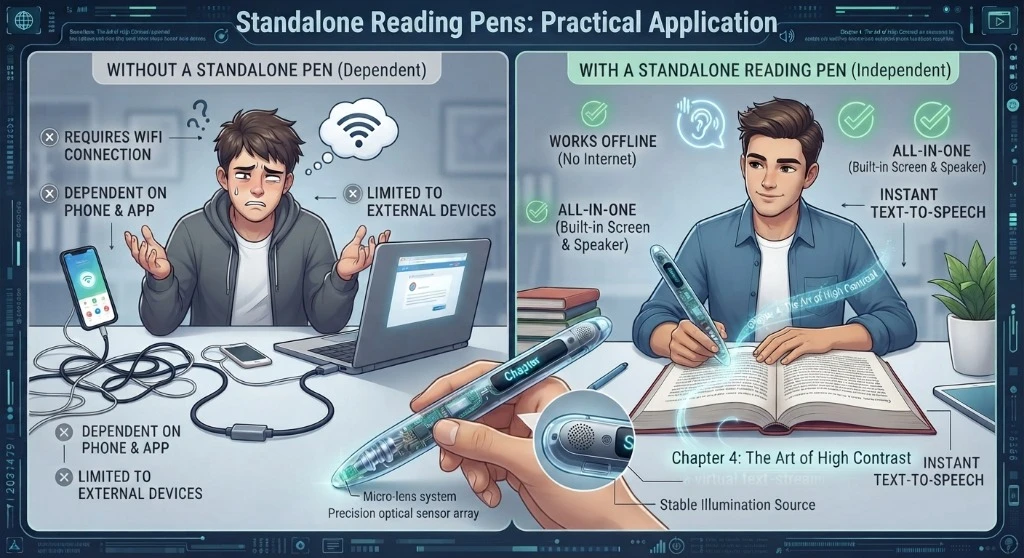 Decoding
Independent Text Decoding
Students scan printed textbook lines or worksheets to hear instant text-to-speech feedback, removing the adult-reading bottleneck.
 Fluency
Passage Reading & Fluency
Maintains reading momentum through unfamiliar words in science, history, and literature without interrupting passage comprehension.
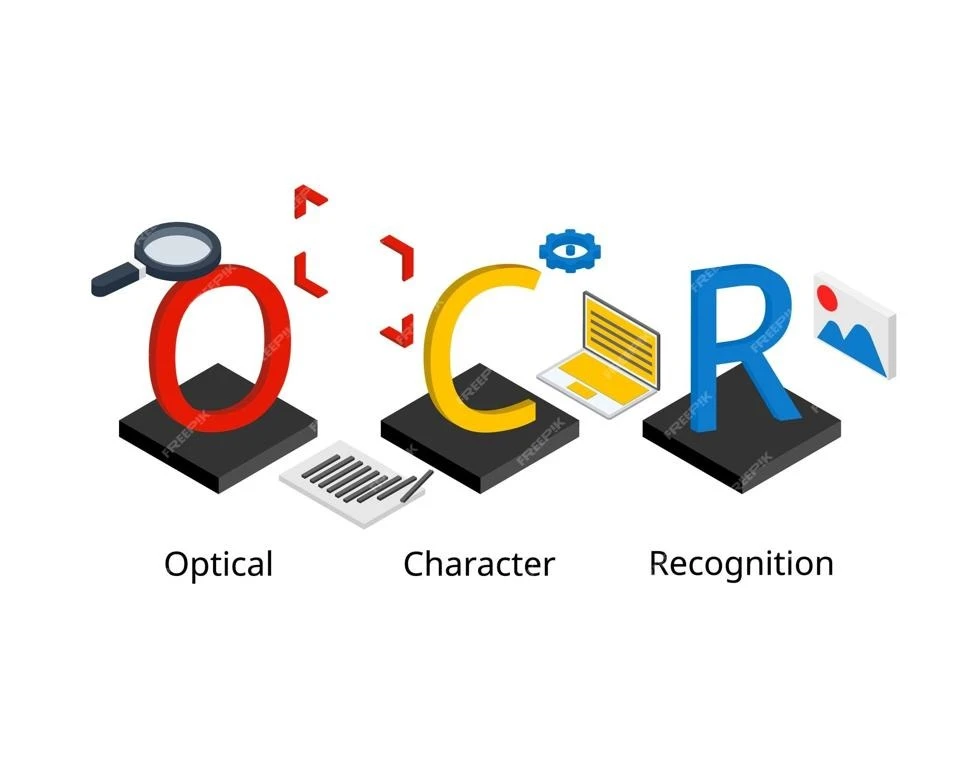 Vocabulary
In-Place Vocabulary & Definitions
Look up subject-specific terminology instantly on printed pages without launching external apps or losing focus.
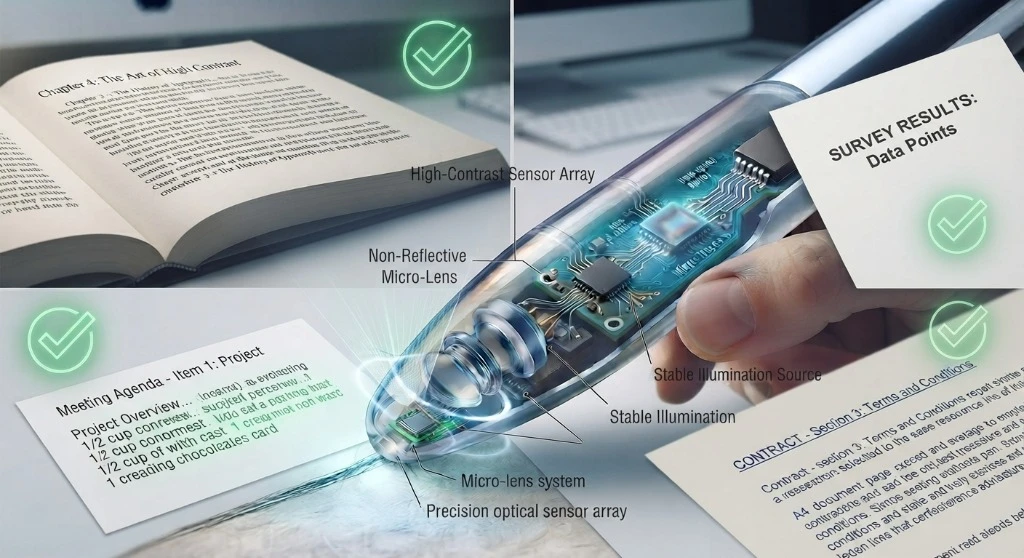 Testing / IEP
Exam-Lock Test Accommodation
Locks down Bluetooth and storage capabilities so reading pens satisfy strict IEP/504 accommodation rules during testing.
Classroom & special-education guides
For special-education teams, teachers introducing the device, students using it, and IT reviewing requirements.
Scanmarker for Special Education
Assistive technology for students who need extra access to printed text — what Scanmarker provides, access versus instruction, and IEP-team questions.
Read guide →Scanmarker for Students With Special Educational Needs
Students face different barriers with printed text — decoding, vocabulary, language, fluency, visual access. Scanmarker offers one more option, individually.
Read guide →Teacher Guide: Introducing Scanmarker
How to introduce Scanmarker to students — who needs it, teaching the scan workflow, setting expectations, and checking whether it's actually helping.
Read guide →Using Your Scanmarker: A Student Guide
Simple, student-facing instructions for using Scanmarker to access a difficult printed word — a tool to keep you moving, not for every single word.
Read guide →Scanmarker IT Requirements
What IT teams should review before deploying Scanmarker — device compatibility, network needs, computer integration, and a deployment checklist.
Read guide →Reading Support Technology for Schools
Where a reading pen fits among the reading-support approaches schools use — instruction, intervention, audiobooks, text-to-speech — and how to evaluate it.
Read guide →Exam-lock mode satisfies test-accommodation requirements written into IEP and 504 plans