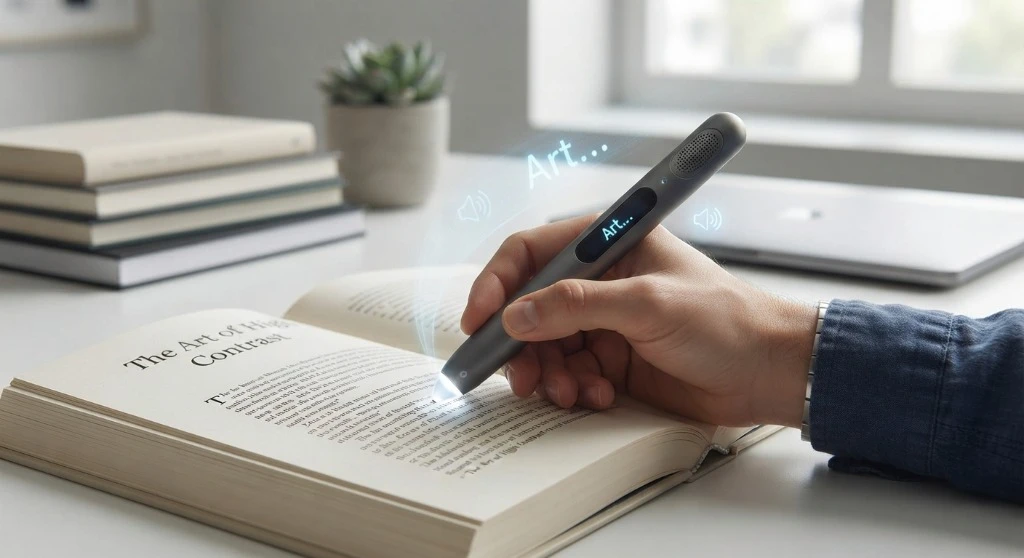
A Range of Approaches to Reading Support
Schools employ a continuum of reading-support strategies to meet diverse student needs: tier-1 classroom instruction, targeted phonics intervention, audiobooks, screen-reading software, and scanning pens.
Selecting the right tool requires matching the technology medium to the student’s physical instructional environment.
Matching Tool to Medium: Text-to-speech software requires a digital device and digital document. A scanning reading pen unlocks physical books, paper worksheets, and printed exams.
Evaluating Reading Pens vs. Alternative Modalities
Compare how different reading technologies perform in typical classroom scenarios:
| Feature / Dimension | Scanmarker Reading Pen | Software TTS / Extension | Human-Read Audiobooks |
|---|---|---|---|
| Physical Paper Access | Instant scanning & audio | Requires manual scanning/OCR app | Not applicable |
| Device Independence | 100% Standalone (Max model) | Requires laptop/Chromebook | Requires smartphone/tablet |
| Classroom Distraction | Zero (Headphone playback) | Medium (Screen interaction) | Low |
| Testing Accommodation | Exam-Lock Mode compliant | Requires locked browser setup | Rarely permitted on state exams |